

Dishco MCP lets Claude, ChatGPT, Perplexity, and Gemini read your live targets, progress, meal plan, and logged totals after you sign in with Dishco. There is no plugin store listing to install. You add Dishco as a custom MCP connector in your AI app. Dishco is an iPhone app. Your AI reads the data; you still log meals and change targets in Dishco.
Connect in one click
Open your AI with the Dishco setup prompt already filled in, then add the connector when asked.
MCP server URL:
https://mcp.dishco.app/mcpOr copy the setup prompt:
I use the Dishco nutrition app and want you to be my AI nutrition coach using my live Dishco data.
Dishco's MCP server URL is: https://mcp.dishco.app/mcp

1. Walk me through adding Dishco as a custom MCP connector in this app, step by step, for the exact app and plan I'm using. It uses OAuth, so I'll sign in with my Dishco account. If this app can't add custom connectors, tell me plainly.
2. Once it's connected, read my current calorie and macro targets, and today's meal plan and logged totals from Dishco.
3. Tell me how many cal and grams of protein, carbs and fat I have left today.
4. Build a simple plan for the rest of today that fits what's left. Ask me about allergies, foods I dislike and how much time I have before you suggest meals.

Only use numbers that come from my Dishco data. I'll log food and change my targets in the Dishco app myself.What it looks like
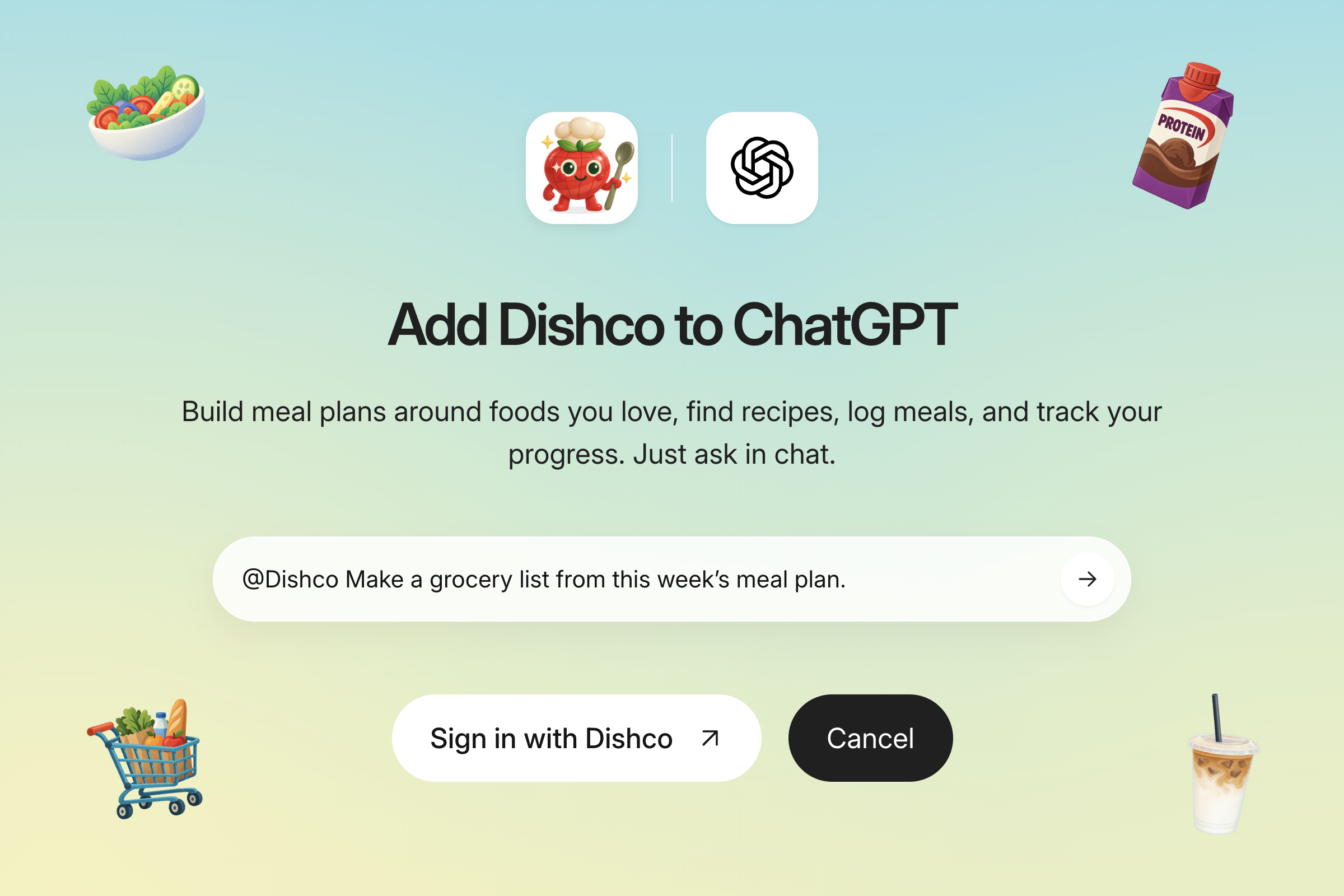
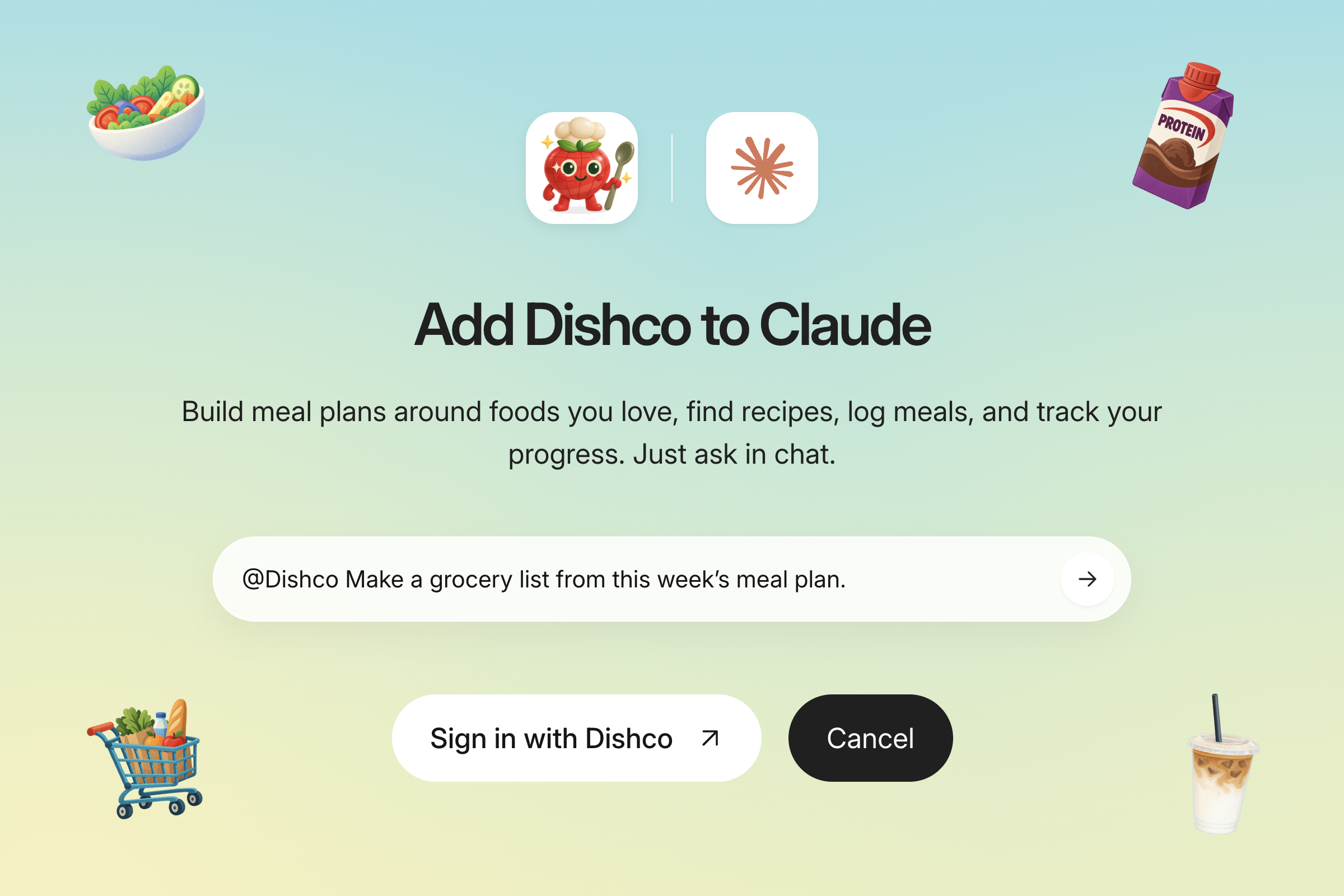
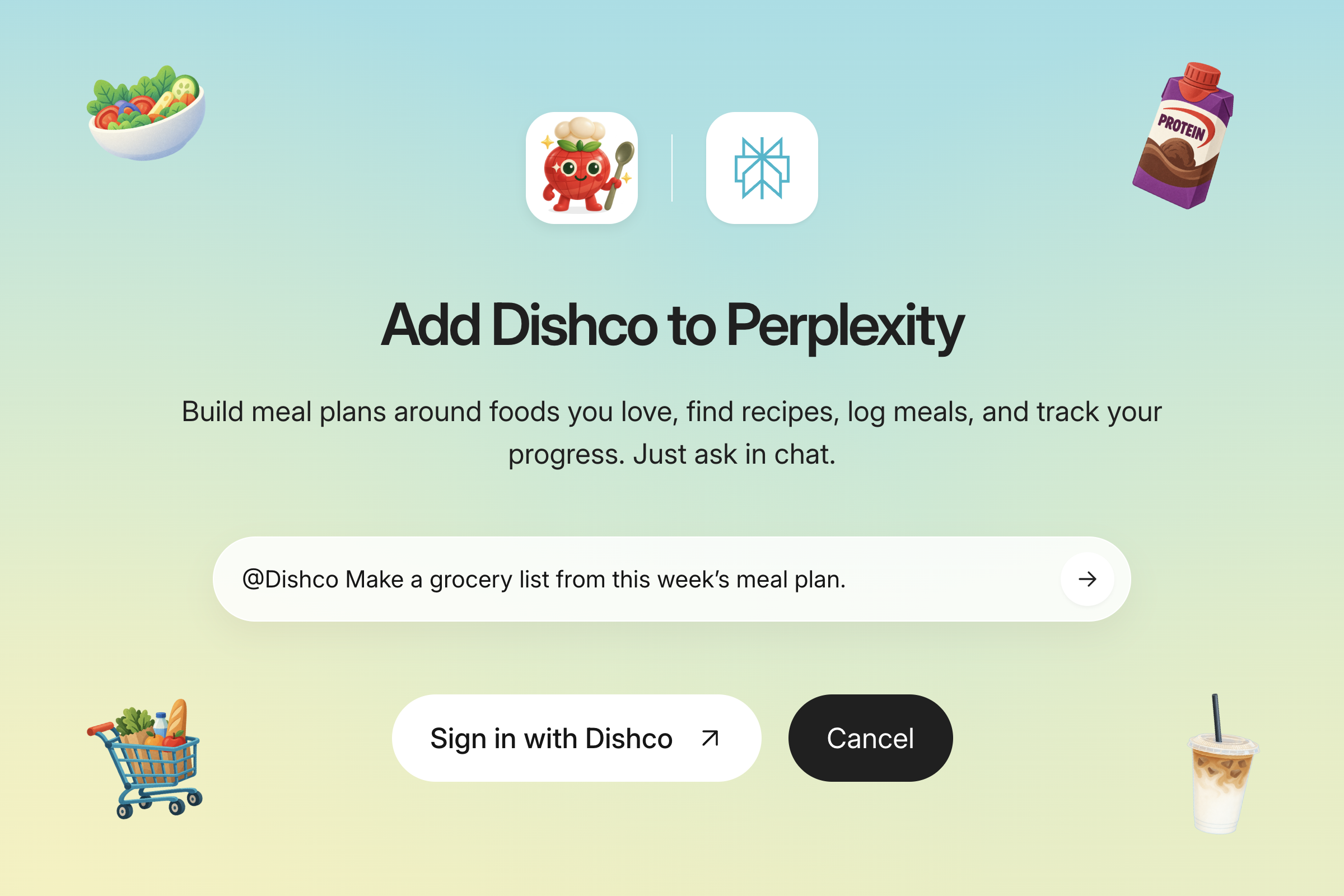
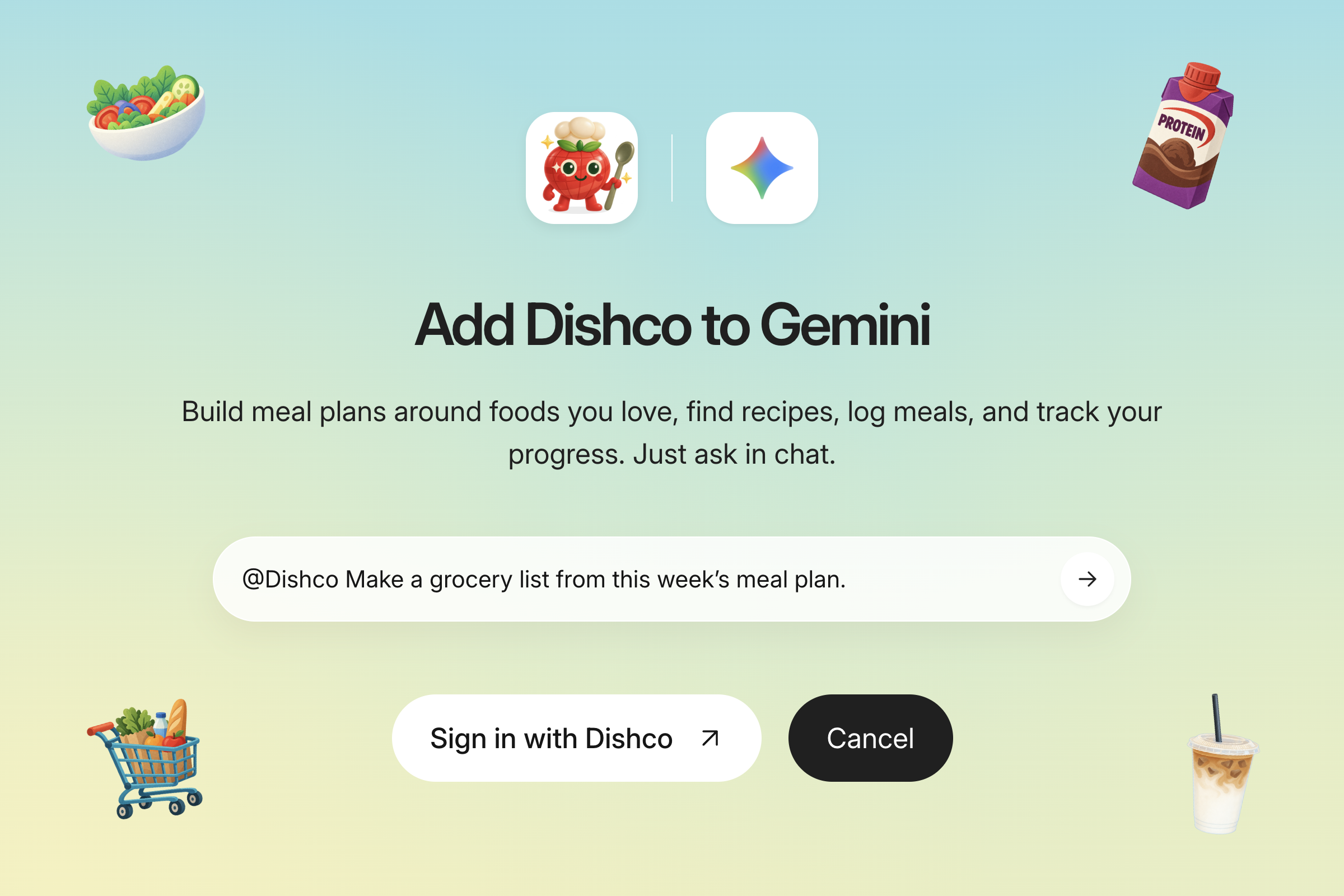
You’ll sign in with Dishco, then your AI can use your nutrition data.
What your AI can read
- Your calorie and macro targets
- Your progress over time
- Your active meal plan
- Your logged totals for today
It cannot log meals or change your targets. Do that in the Dishco app.
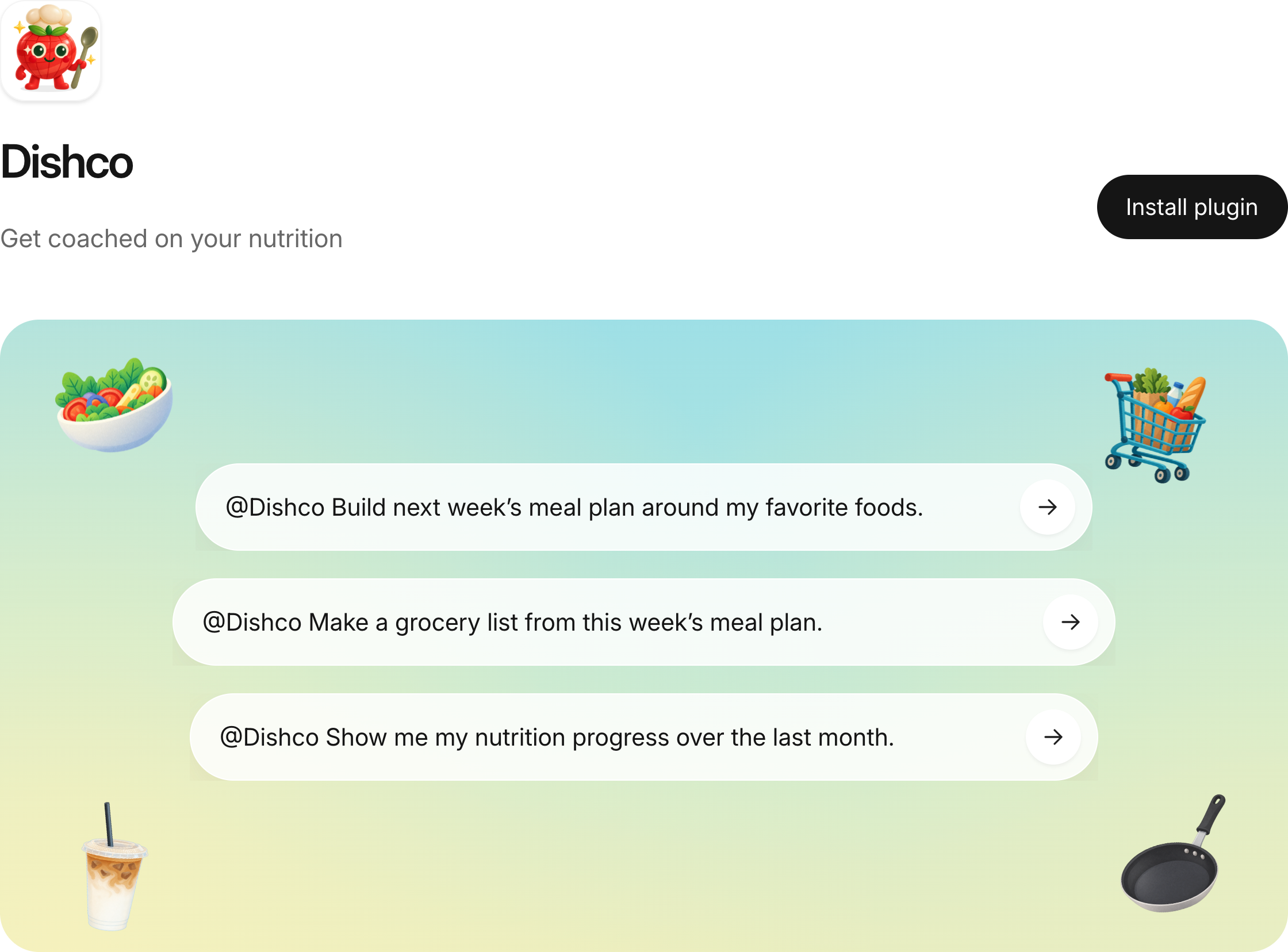
Prompts to try after you connect
- Build tomorrow’s meal plan around my favorites and what I have left.
- Make a grocery list from my meal plan for the next three days.
- How am I doing on cal and protein this month versus my targets?
- What’s left for today, and what should I eat next?
FAQ
Do I need a Dishco account?
Yes. You sign in with your Dishco account. Dishco is an iPhone app.
Is this an official ChatGPT plugin?
No. Dishco is not listed in a plugin store. You add it as a custom MCP connector in your AI app.
Which AIs work?
Claude, ChatGPT (where custom connectors are allowed), Perplexity, and Gemini. Plans and eligibility vary by app.
How do I disconnect?
Remove the connector in your AI app’s settings.
Is my data private?
Your AI can reach Dishco only after you sign in and allow access, and it sees only your own account. See Dishco’s privacy policy.